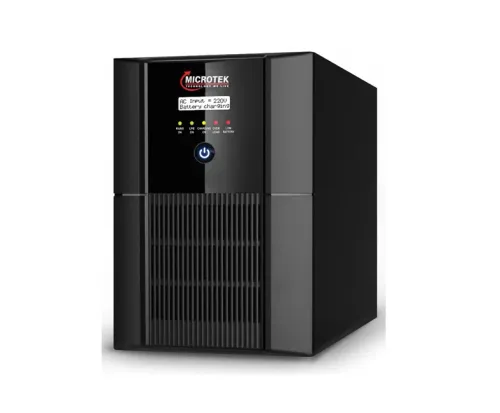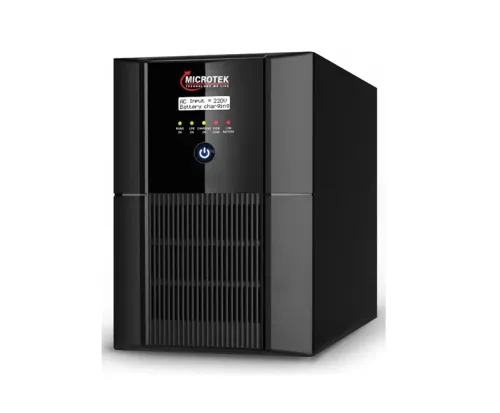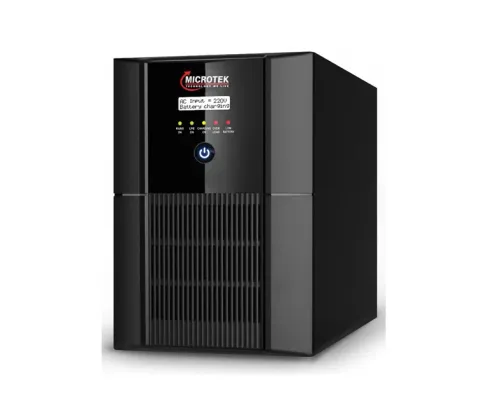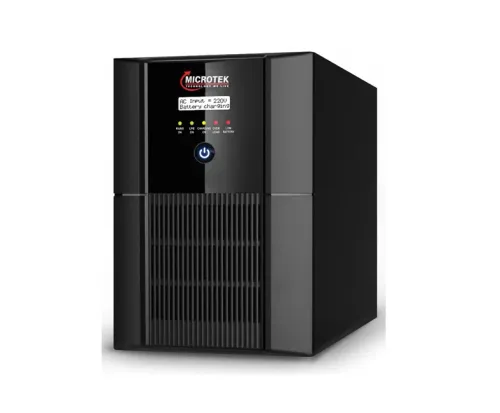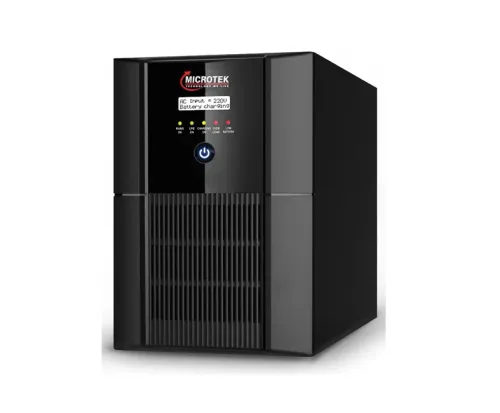
A Microtek inverter that stops charging, alarms during outages or delivers weak backup needs measured diagnosis before anyone recommends a battery, board or replacement unit. You will learn what to prepare, what the technician should test, how to approve the right remedy and what to verify before the visit ends.
Key takeaways
- Record fault symptoms, battery age, load details and installation photos before booking.
- Ask the technician to test battery condition, output voltage, charging and connected load.
- Approve repairs only after receiving the diagnosed fault, parts list and cost estimate.
- Stop using the inverter for burning smells, overheating, sparks or damaged cables.
What to prepare before booking the service visit
A useful Microtek inverter service process in Nagpur starts with a symptom and installation intake, not immediate parts replacement. Give the provider enough detail to decide what the technician must bring and how to reproduce the fault.
1. Send the Microtek model number, serial number, installation location, battery type, battery installation date, and any recent alarm pattern. Record when outages occur, recent mains-voltage history, and the exact symptom.
2. State whether the problem appears on mains power, during changeover, in battery mode, or when a particular appliance starts. List every connected device with its running wattage and starting surge, including refrigerators, pumps, printers, compressors, induction equipment, and LED-driver loads.
3. Photograph the model label, display or alarm message, battery terminals, wiring, and visible protection devices. Include tripped breakers, damaged insulation, corrosion, or loose-looking connections in the photographs.
4. Ask about the diagnosis fee, labour charge, available visit times, service area, required documents, and whether a planned shutdown is needed. Mention whether the site is an office, shop, telecom installation, or industrial load so critical equipment is not stopped without agreement.
This information prevents a sales-only guess and gives the technician context to reproduce the fault safely. Keep the latest alarm photograph and load list available at the site.
What the technician checks on arrival
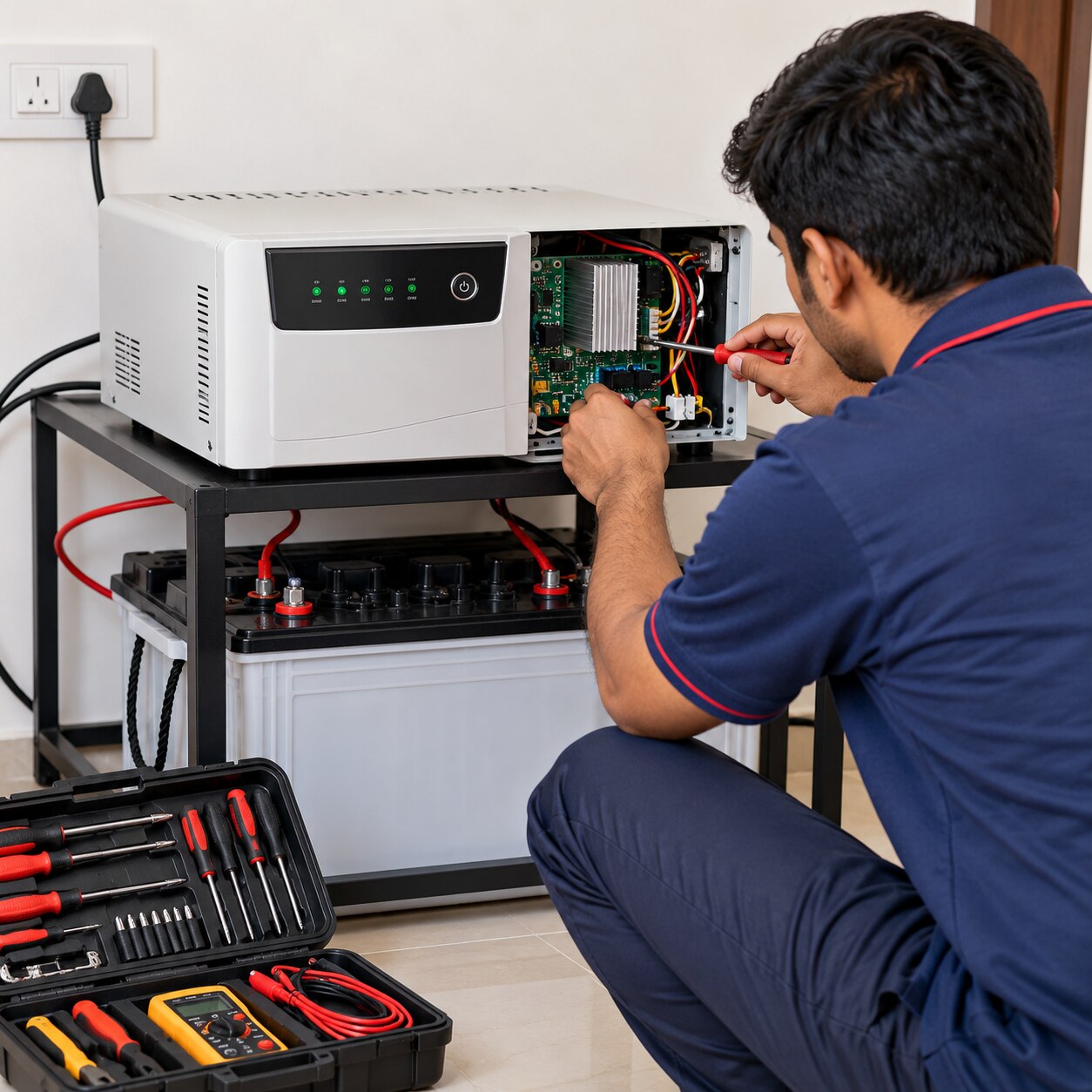
Before opening the casing, the technician uses inverter fault diagnosis to separate an incoming-supply problem from an inverter, battery, wiring or load problem.
1. They measure incoming AC voltage under normal conditions and check neutral integrity, polarity, the input fuse or MCB, earthing, cable size, terminals and sockets. Loose, corroded or undersized connections, shared overloaded sockets and poor earthing can cause nuisance trips, unstable changeover or damage that looks like an inverter failure.
2. They record output voltage and frequency with mains present and in backup mode. They inspect display messages, visible fault codes, changeover operation, fan noise, ventilation, dust, dampness, heat exposure and the condition of external wiring.
3. They reproduce the complaint in four states: mains present, mains removed, the inverter carrying a representative connected load, and mains restored. A display that powers up proves little; it can miss transfer faults, charger failure, overload behaviour or abnormal fan operation.
4. Ask to see the readings and have them compared with the Microtek model manual or the technician’s stated specification, not one universal voltage value. Safe customer checks stop at observing external parts and switching off the load.
Do not open the casing, bridge terminals, bypass a fuse or breaker, or test live circuits. Exposed conductors and battery connections can deliver dangerous current even when the inverter appears switched off.
How battery, load and site tests identify the fault
Battery failure appears when one battery or block performs differently from the rest, not merely when the total bank voltage looks low. During Microtek inverter servicing, the technician measures every battery separately in a multi-battery bank, checks terminal voltage, and inspects terminals and interconnects for looseness, corrosion or heat damage.
A charging or load test exposes weaknesses that an open-circuit reading misses. A weak lead-acid battery can show normal voltage, then collapse under load. For tubular or flat-plate batteries, the technician checks electrolyte level and specific gravity where the design permits; SMF and VRLA units are inspected externally and tested electrically without opening the case.
The technician confirms these points during inverter fault diagnosis:
- Charging voltage and current: incorrect values indicate a charger fault, wiring resistance or incorrect battery settings.
- Actual load, starting surge, output behaviour, alarm confirmation and low-battery cut-off: overload or an unsuitable appliance can imitate inverter failure.
- Incoming utility voltage, output voltage, operating mode, output settings and changeover behaviour: unstable mains or incorrect programming can trigger alarms and poor backup without a failed board.
- Fan operation, dust-restricted airflow, high heat, monsoon-related dampness, electrolyte leakage and corrosion: thermal stress and damaged connections can cause shutdowns.
The technician compares readings with the specific Microtek model specification. A faulty setting for battery type, charging current or UPS mode can cause premature battery wear and reduced backup time even when the hardware works.
How you approve repair, replacement or further work
Approve only after the technician identifies the measured fault and separates a site correction from component-level work. Terminal cleaning, cable repair, fuse or breaker correction, fan cleaning, overload correction and battery replacement are different remedies from repairing the charger, MOSFETs, relays, control board or display board.
A new battery will not fix a failed charger, changeover relay or inverter board.
| Option | What it means | When it applies |
|---|---|---|
| Repair | Replace or repair the confirmed failed part | The equipment is serviceable, the board or part is available, and downtime is acceptable |
| Replacement | Install another inverter or system | The unit is old, faults recur, battery cost is high, parts are unavailable, or downtime risk is unacceptable |
| Further work | Obtain parts or move the unit to a workshop | Testing cannot be completed safely at site or the failure needs board-level diagnosis |
Compare repair and replacement by equipment age, recurring faults, battery cost, board availability, expected downtime and warranty, not purchase price alone. Ask for:
- Measured fault, failed part or confirmed cause
- Part number and genuine or compatible status
- Diagnosis fee, labour charge and warranty duration
- Removed-part return policy and estimated turnaround
For Microtek inverter repair in nagpur, Mahendra power Zone can be useful when one provider handles service, repair, battery replacement or a replacement recommendation. Confirm fees, stock, warranty and service-authorisation claims in writing. The outcome may be a same-visit resolution, parts required, workshop repair or replacement recommendation; never assume a same-day result.
Related products
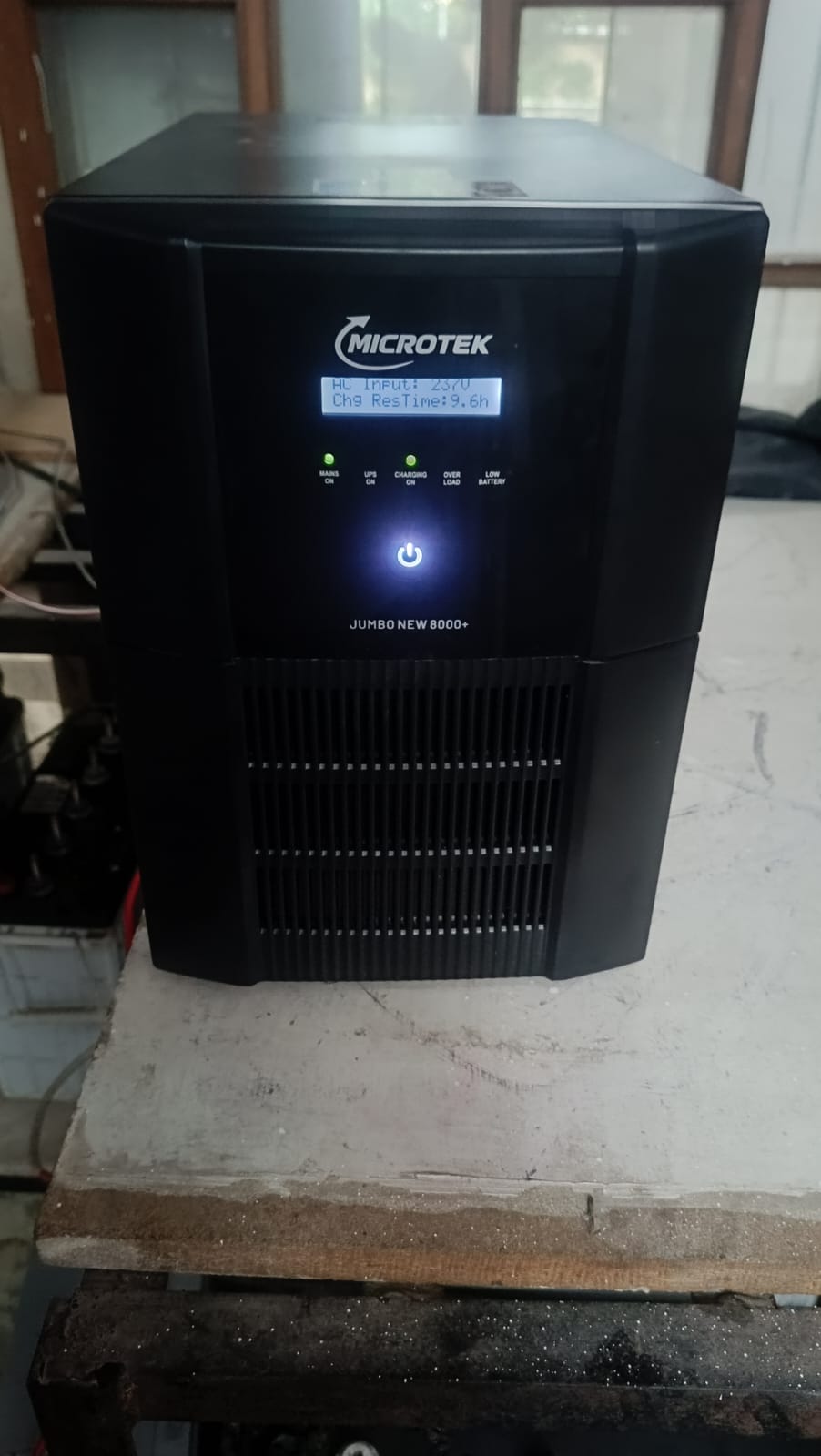 | Inverter inverter View product → |
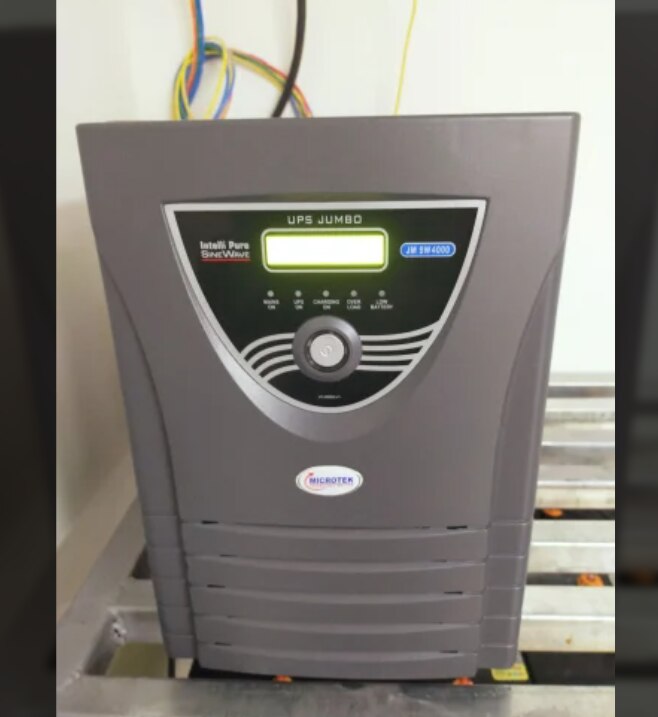 | Ups System Type Inverter UPS Brand Eaton Model Name/Number Microtek Online Ups Usage/Application Industrial Battery Type Microtek Online Ups Phase Microtek... View product → |
What to verify at handover and when to stop using the unit
Handover is complete only when the inverter performs under your actual connected load, not when the display simply resets. A proper microtek inverter service process in nagpur, including microtek inverter servicing, ends with witnessed tests and written evidence.
1. Run the normal connected load, then remove mains power and confirm transfer to battery without abnormal noise or alarms. Restore mains, confirm transfer back, verify that charging resumes, check displayed alarms, and record output voltage and frequency in both operating states.
2. Request a service record showing the model, serial number, battery installation date, readings, test load and duration, alarm or fault codes, cause found, parts replaced, work performed, warranty, and test limitations.
3. Ensure the record labels a reset as a temporary action, not a confirmed repair. Record every pending battery or part replacement and any preventive recommendation.
Stop using the unit, switch off the connected load, and arrange trained service immediately for a burning smell, smoke, sparking, swollen battery, liquid leakage, exposed conductors, or repeated breaker trips. Do not touch exposed battery connections: lead-acid banks can deliver high fault current, causing burns, short circuits, acid injury, or hydrogen ignition.
Schedule the next check during business downtime. Keep this report so a later low-backup complaint can be compared with the same load, test duration, and readings.
Frequently asked questions
What should you prepare before booking a Microtek inverter service visit?
Record the exact symptom, when it occurs, battery age, connected appliances, recent electrical work and the inverter model. Share installation photos and ask which tools or parts the technician will bring.
What does a technician check when arriving for an inverter service visit?
The technician should inspect the inverter model and wiring, battery connections, earthing, ventilation, input supply, output connections, display codes, fuses and signs of heat or physical damage.
How do battery, load and site tests identify an inverter fault?
Battery voltage and load testing reveal weak or failing batteries. Input and output measurements identify supply or inverter faults, while a controlled load test shows whether the unit fails only under demand.
How should you approve Microtek inverter repair or replacement work?
Request the diagnosis, failed part, replacement specification, labour charge, warranty and expected completion time in writing. Approve further work only after comparing repair cost with replacement and confirming compatibility.
What should you verify at handover after Microtek inverter servicing?
Test mains charging, battery backup, changeover, output voltage, alarms and the connected load. Collect the service report, replaced-part details, warranty terms and recommended maintenance date.
Keywords